

What’s New at Brand's Payroll
Here are the major enhancements now live in PayDeck, designed to give you more flexibility, control, and accuracy in your payroll operations.
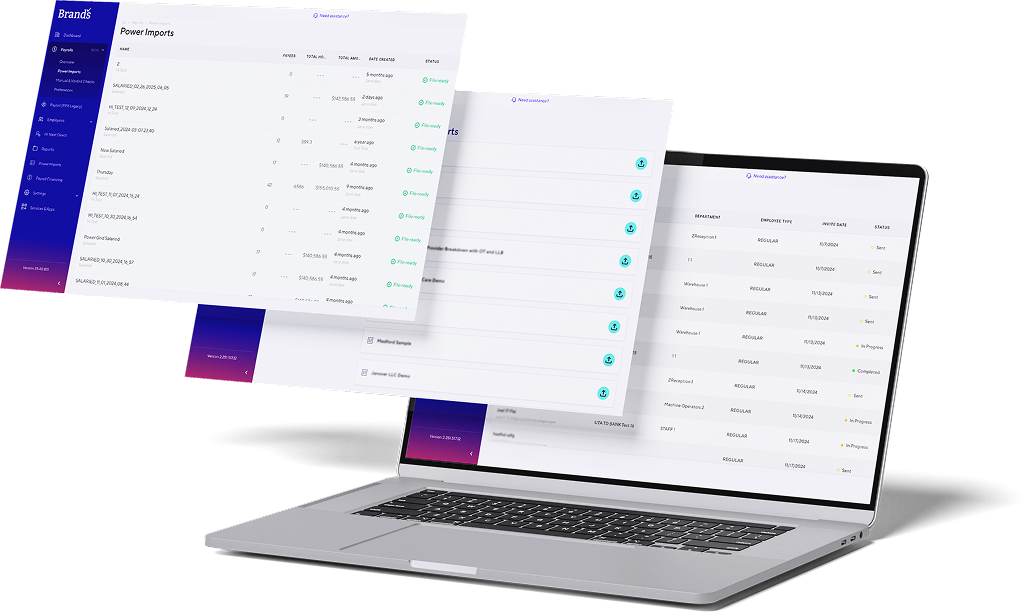
Paydeck Release Notes
To explore all the new features, improvements, and fixes in this update, click the button below to access the full release notes.

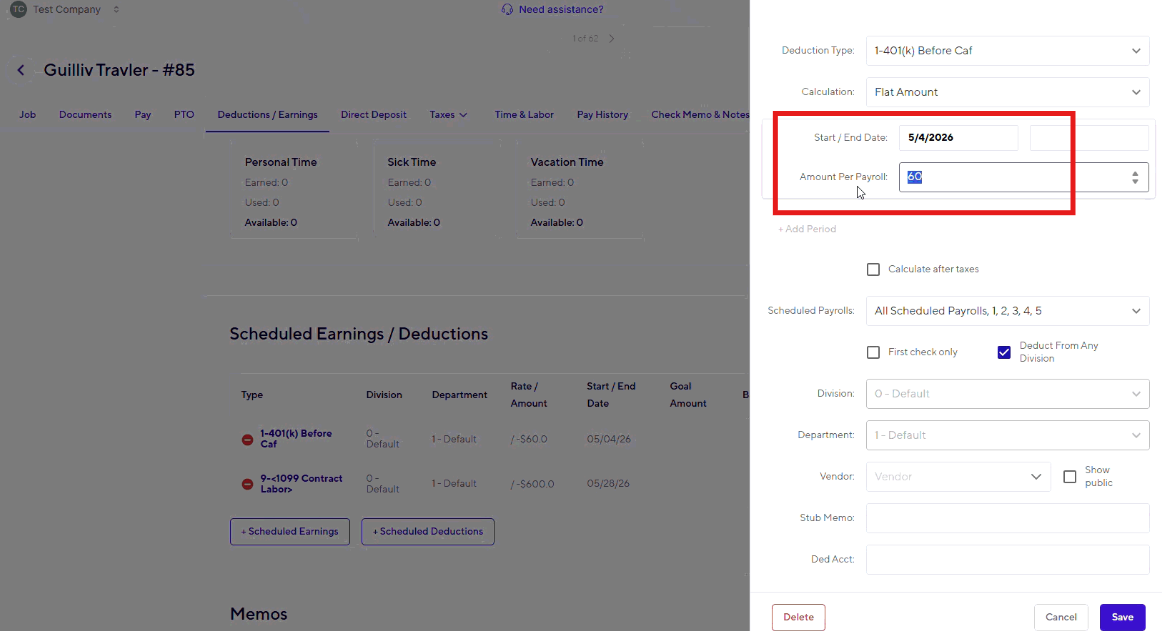
New alerts help protect against accidental retirement deduction changes. When a user attempts to modify an employee's 401(k) settings, PayDeck now provides a warning to encourage review and confirmation before proceeding.
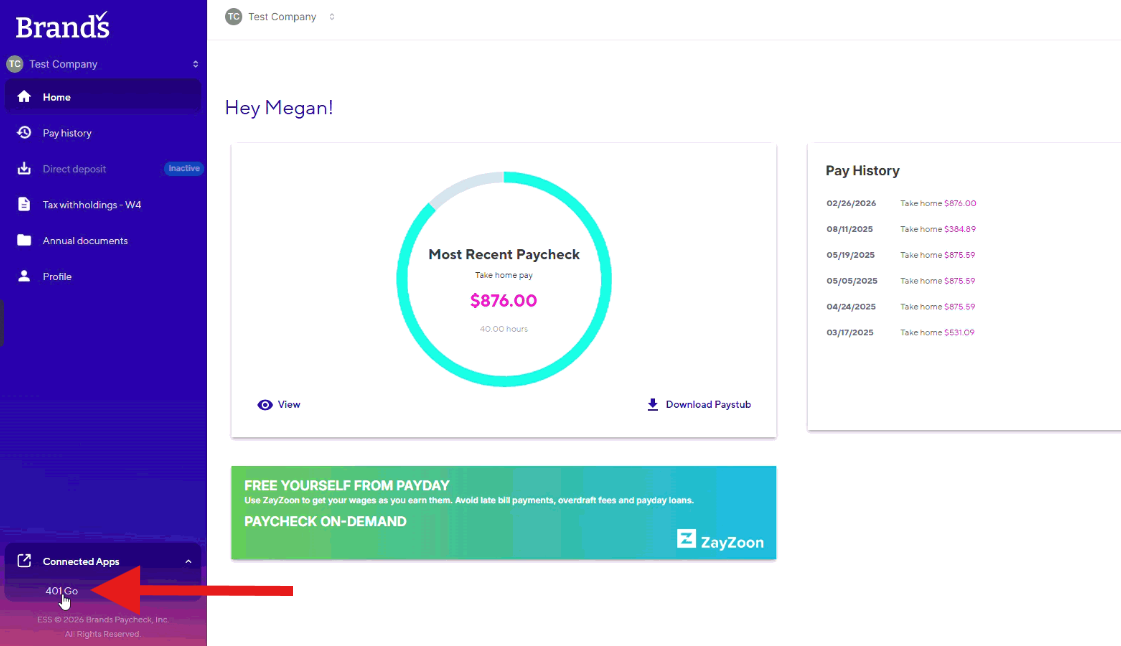
Employees can now access their 401GO accounts directly through EmployeeDeck. This seamless connection makes it easier for employees to stay informed and engaged with their retirement benefits.
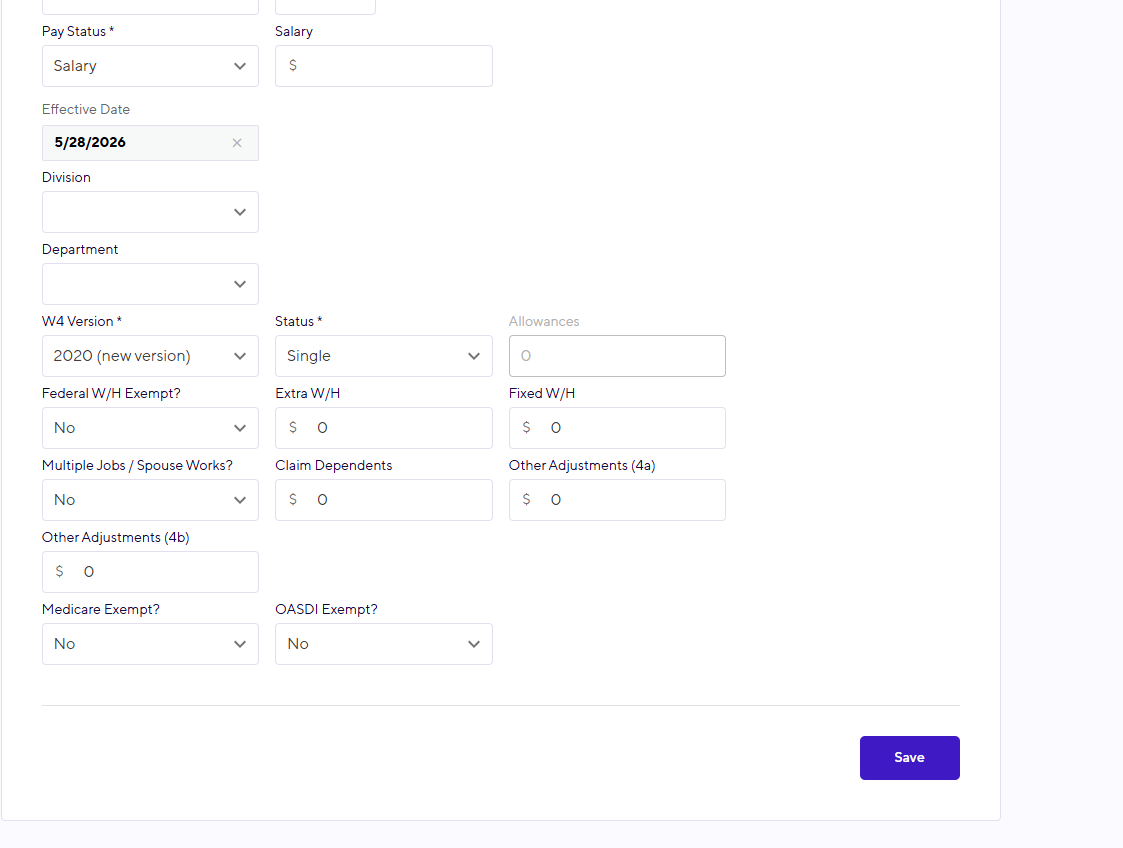
When manually adding a new employee, users can now enter federal W-4 information directly within the workflow. This enhancement helps streamline employee setup and reduce the need for follow-up updates.
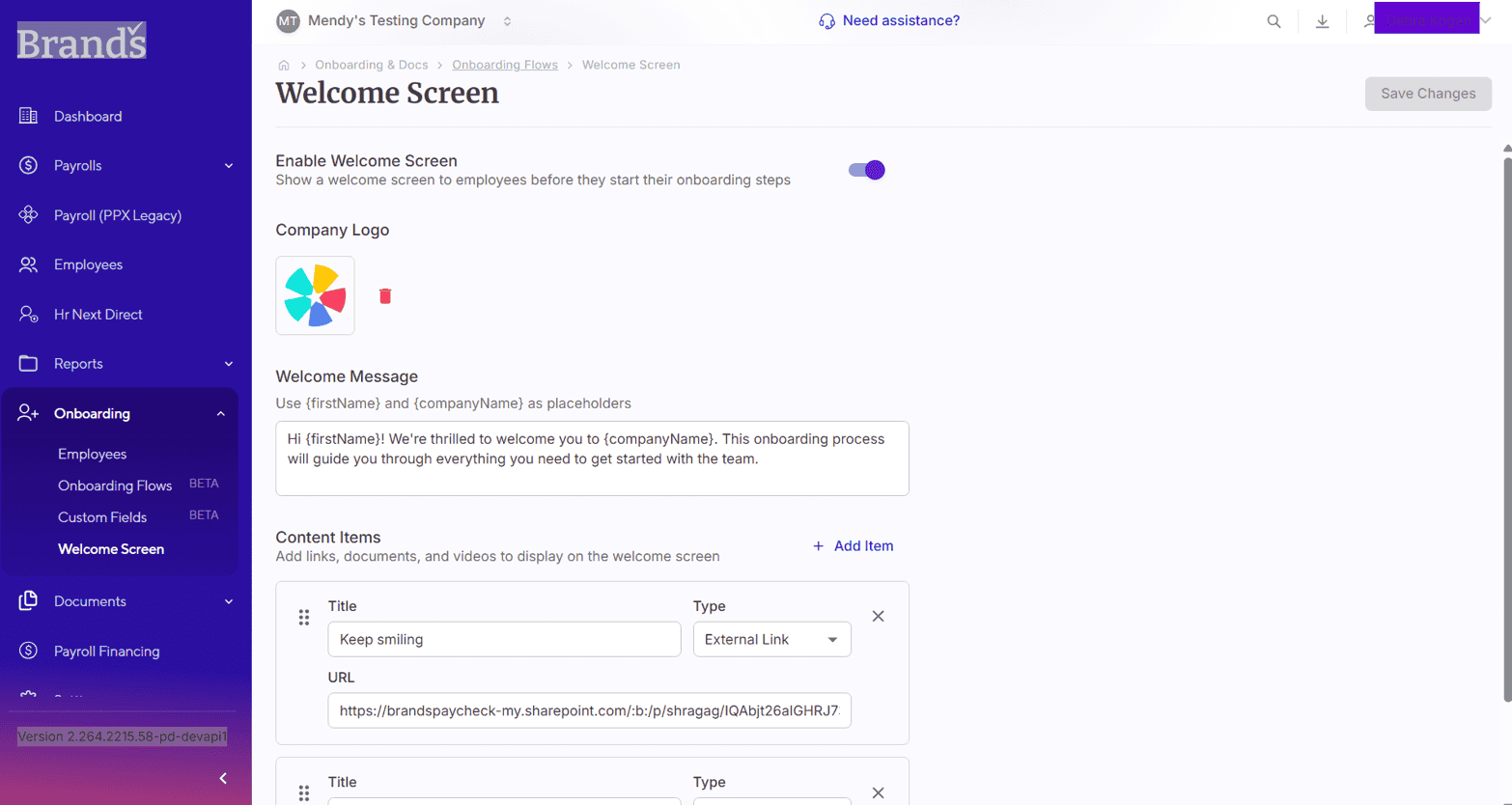
We've refreshed the onboarding experience from top to bottom with a cleaner design, simpler navigation, and a more intuitive workflow. New enhancements—including customizable welcome screens, QR code sharing, document versioning, and improved progress tracking—help create a smoother experience for both hiring managers and new hires.
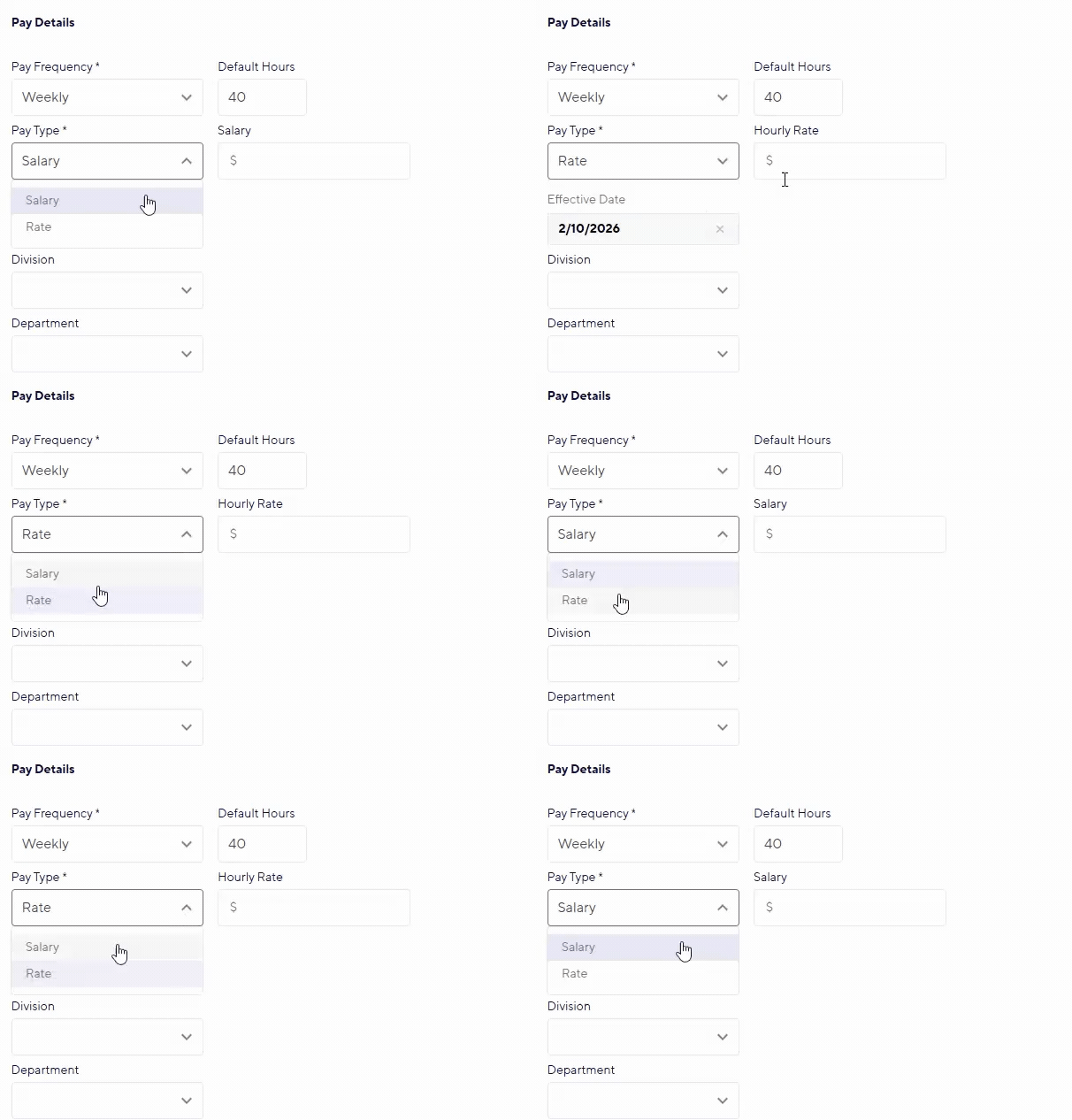
Adding employees is now more intuitive. PayDeck automatically updates pay rate labels based on the pay type selected, helping ensure the right information is entered from the start.
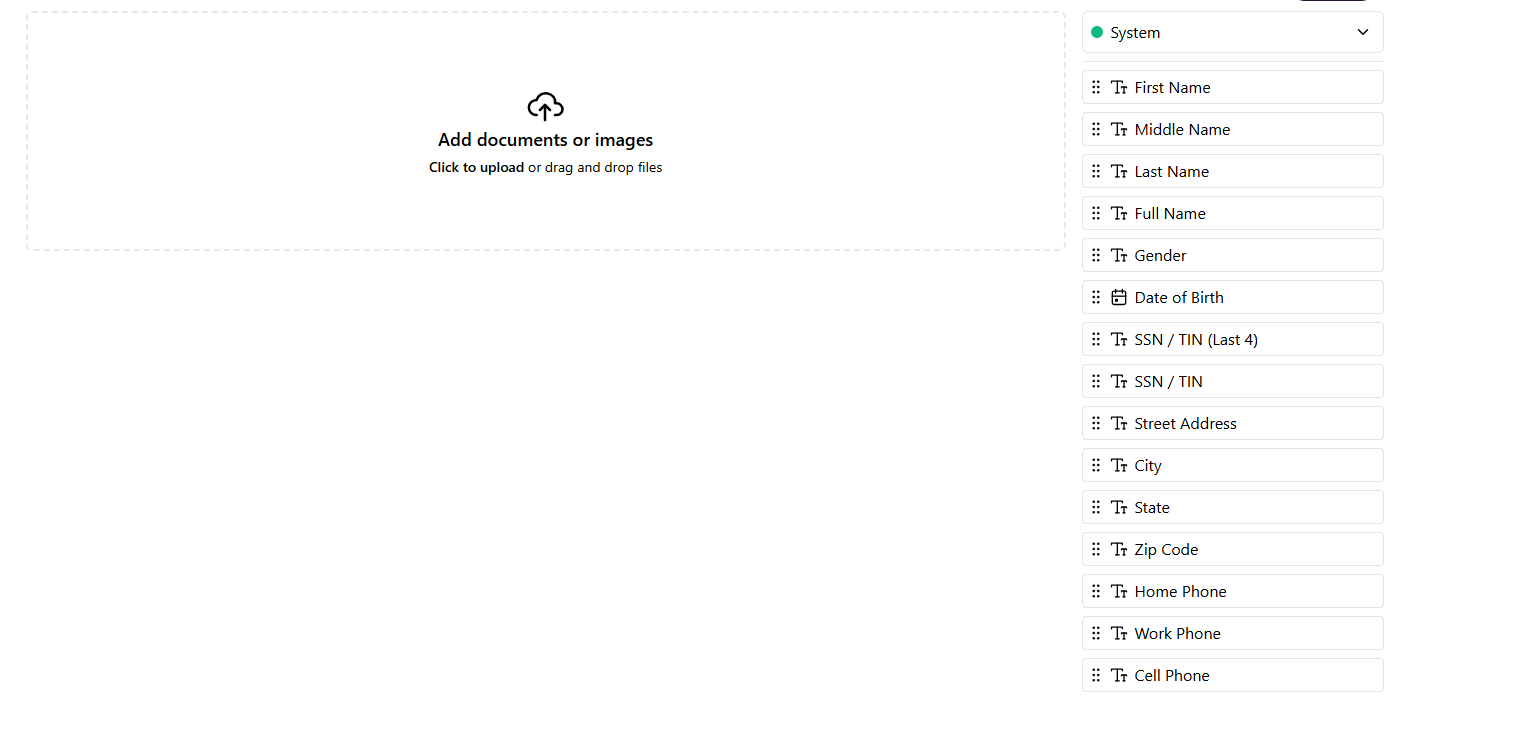
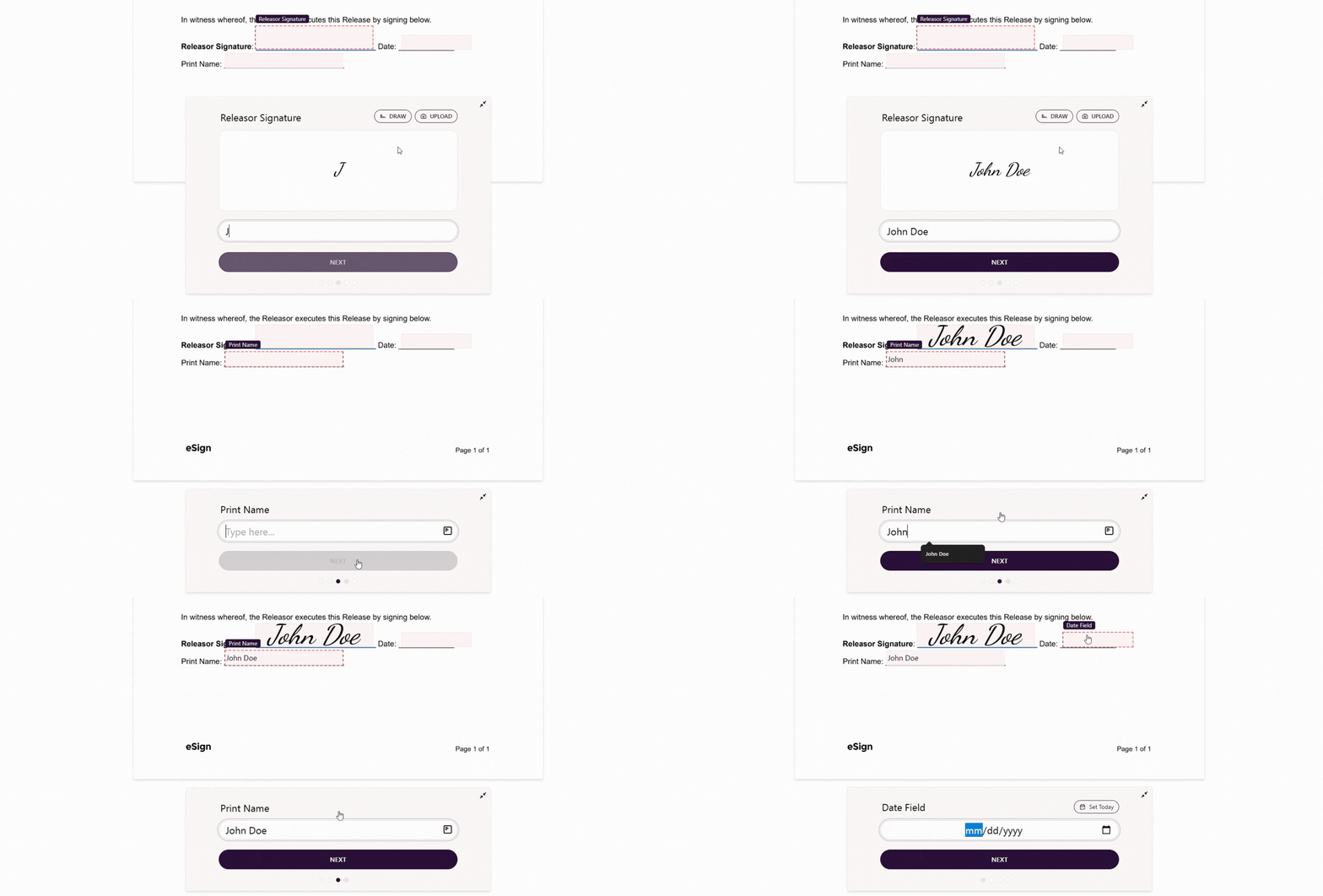
Custom documents can now automatically pull information already stored in PayDeck. By eliminating duplicate data entry, onboarding and document completion become faster, easier, and more accurate.
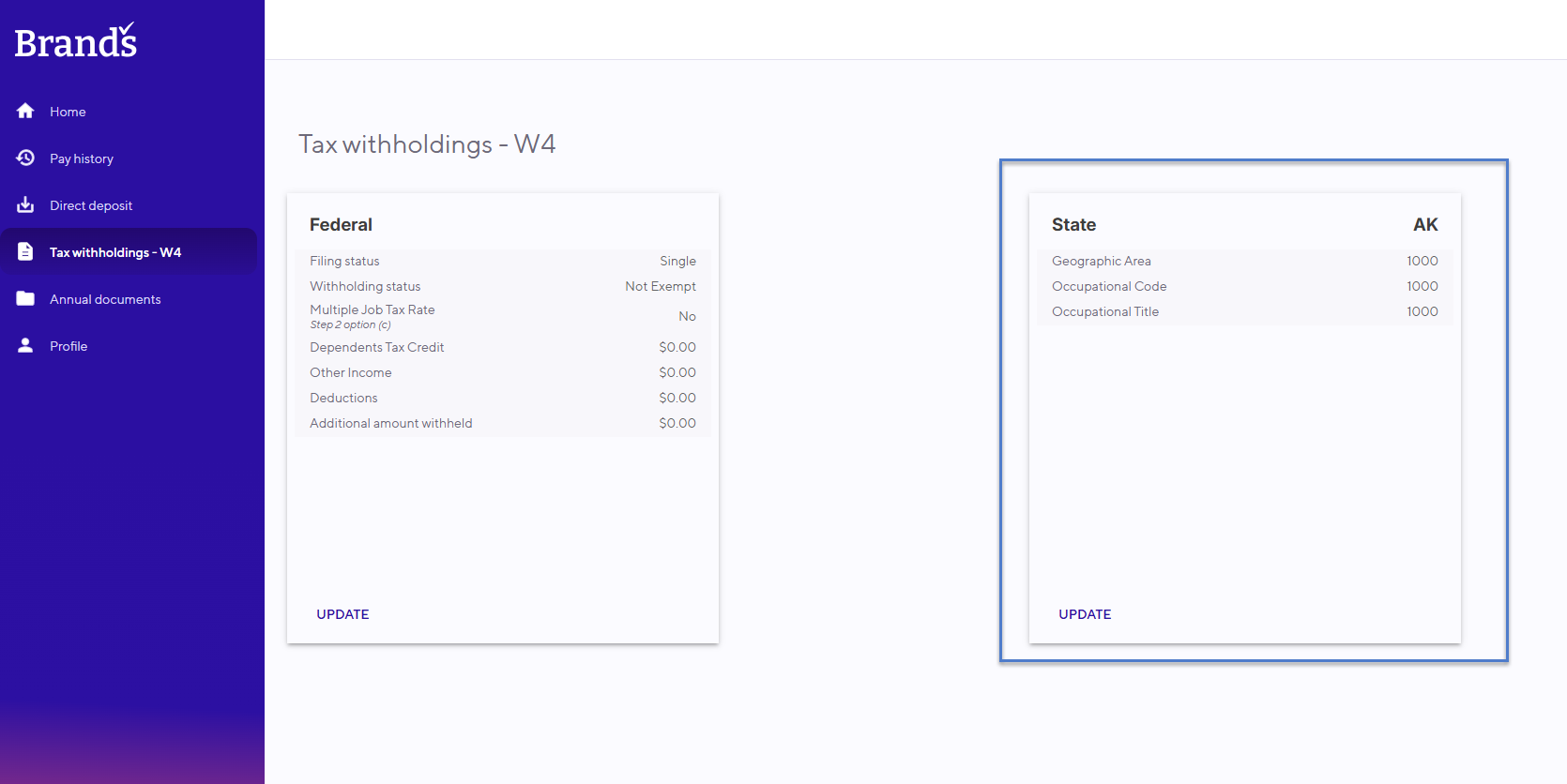
EmployeeDeck now supports employee state tax updates across all 50 states. Employees can make changes to their tax information themselves, helping reduce administrative work while keeping records up to date.
The labor distribution view has been expanded to display more job information at once. With greater visibility directly on screen, reviewing and managing employee labor allocations is now more efficient.
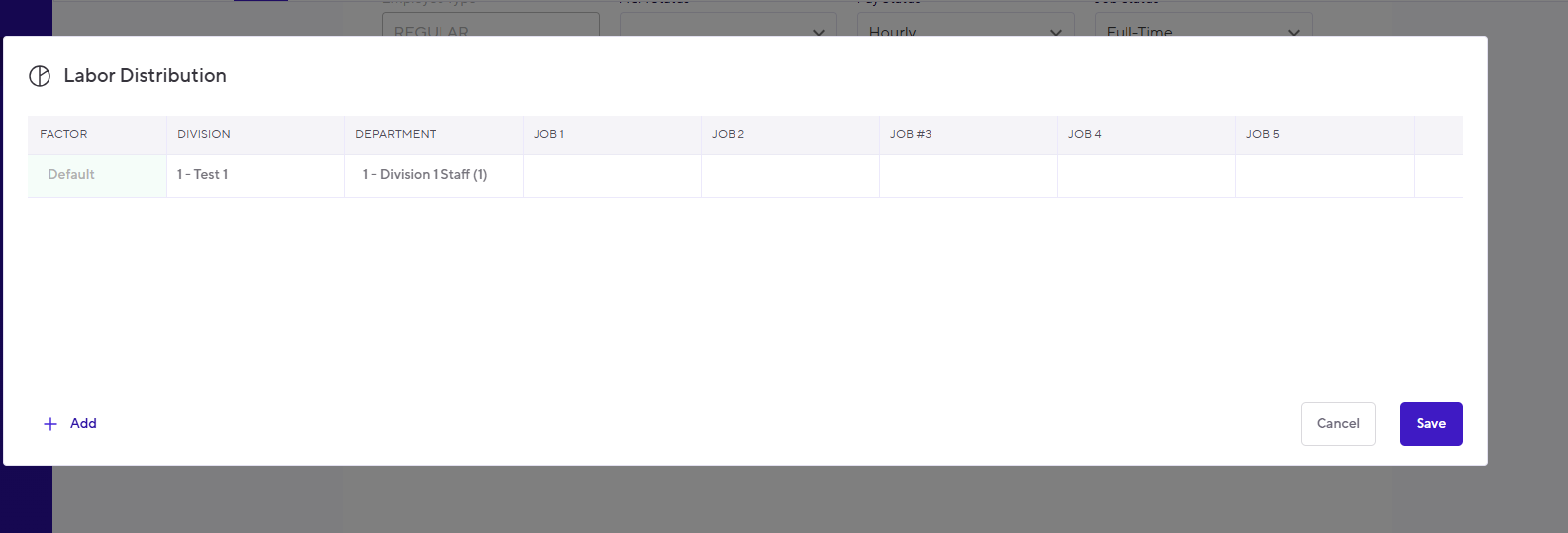
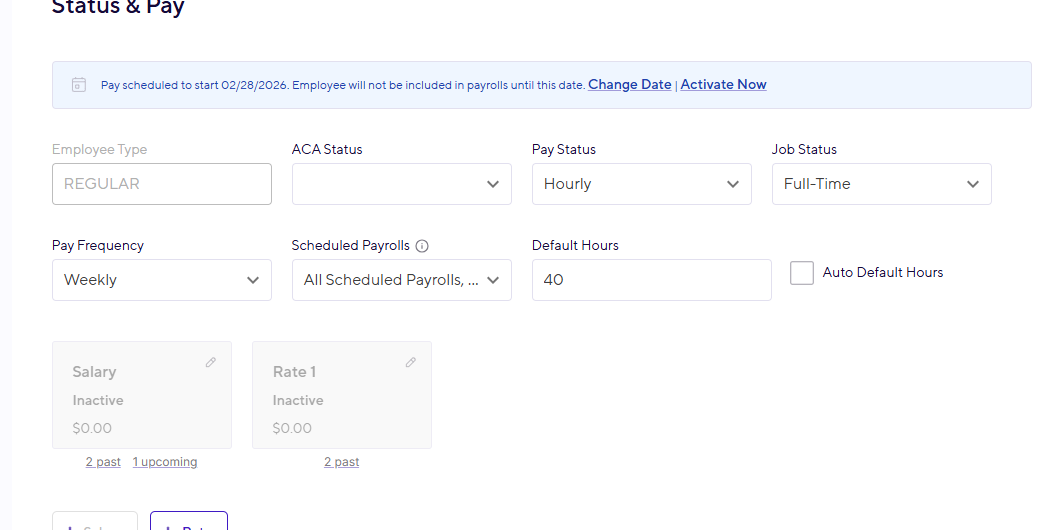
Planning ahead is now easier. New employees can be added with future start dates, allowing teams to prepare records in advance while ensuring employees only appear in payrolls when they're officially scheduled to begin.
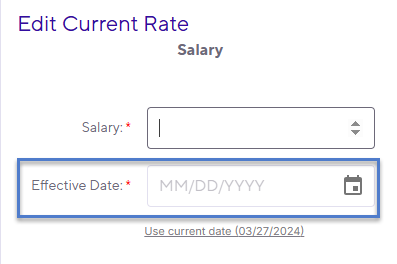
To help improve payroll accuracy and recordkeeping, PayDeck now requires an effective date whenever an employee's pay rate or salary is updated. This added safeguard helps ensure compensation changes are applied as intended.
We've completely redesigned the custom document experience to make it more intuitive and interactive. Employees can now complete required information while reviewing documents, creating a smoother workflow and reducing unnecessary back-and-forth.
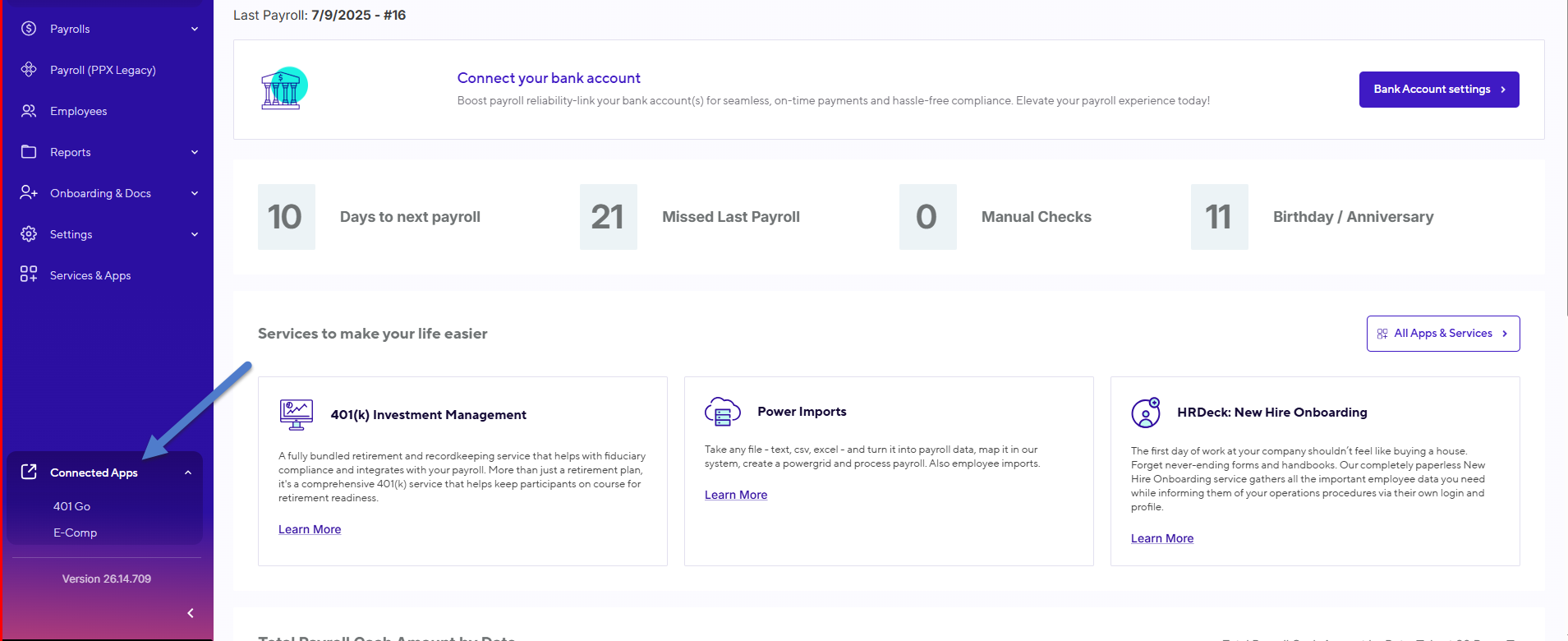
Access to your connected services is now more convenient. Employers using 401GO or E-COMP can launch directly to those platforms from within PayDeck, reducing clicks and saving time.
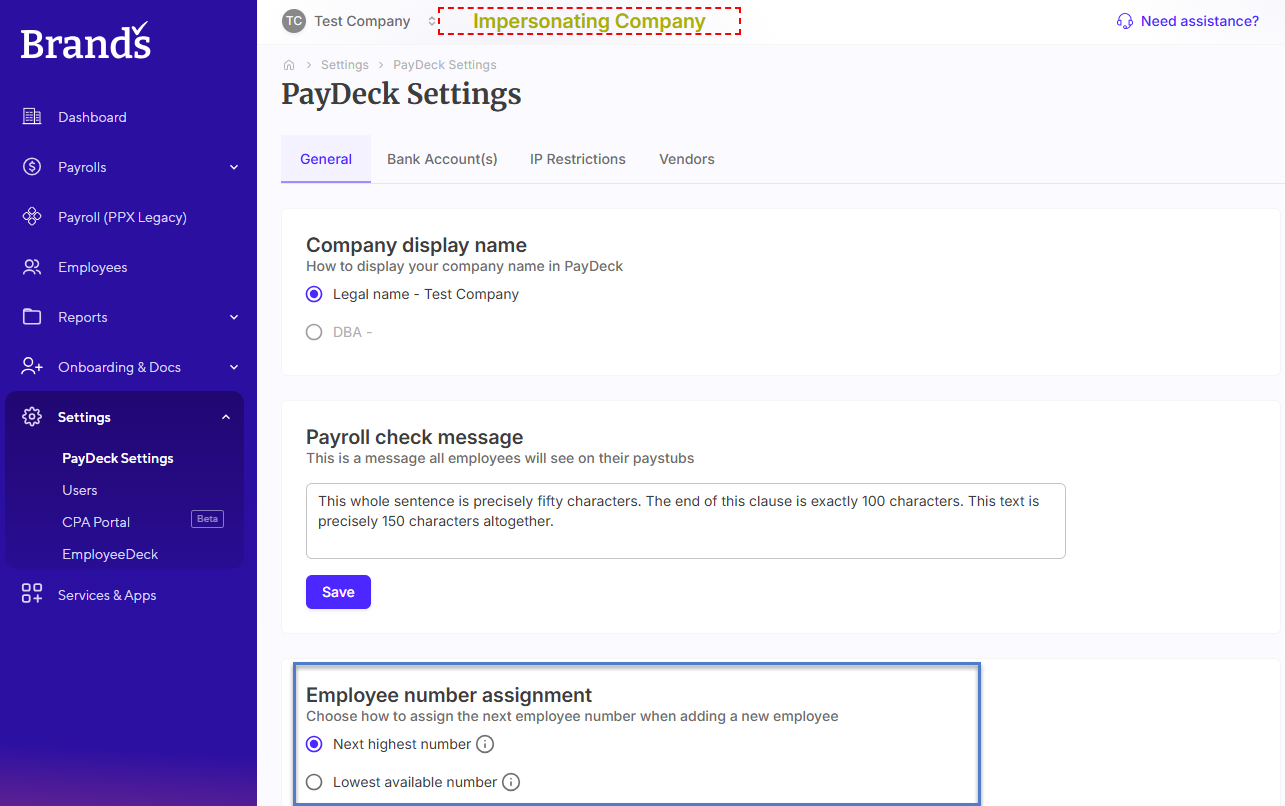
Organizations now have greater flexibility when managing employee records. A new setting allows administrators to determine the next available employee number, helping maintain consistency with internal processes.
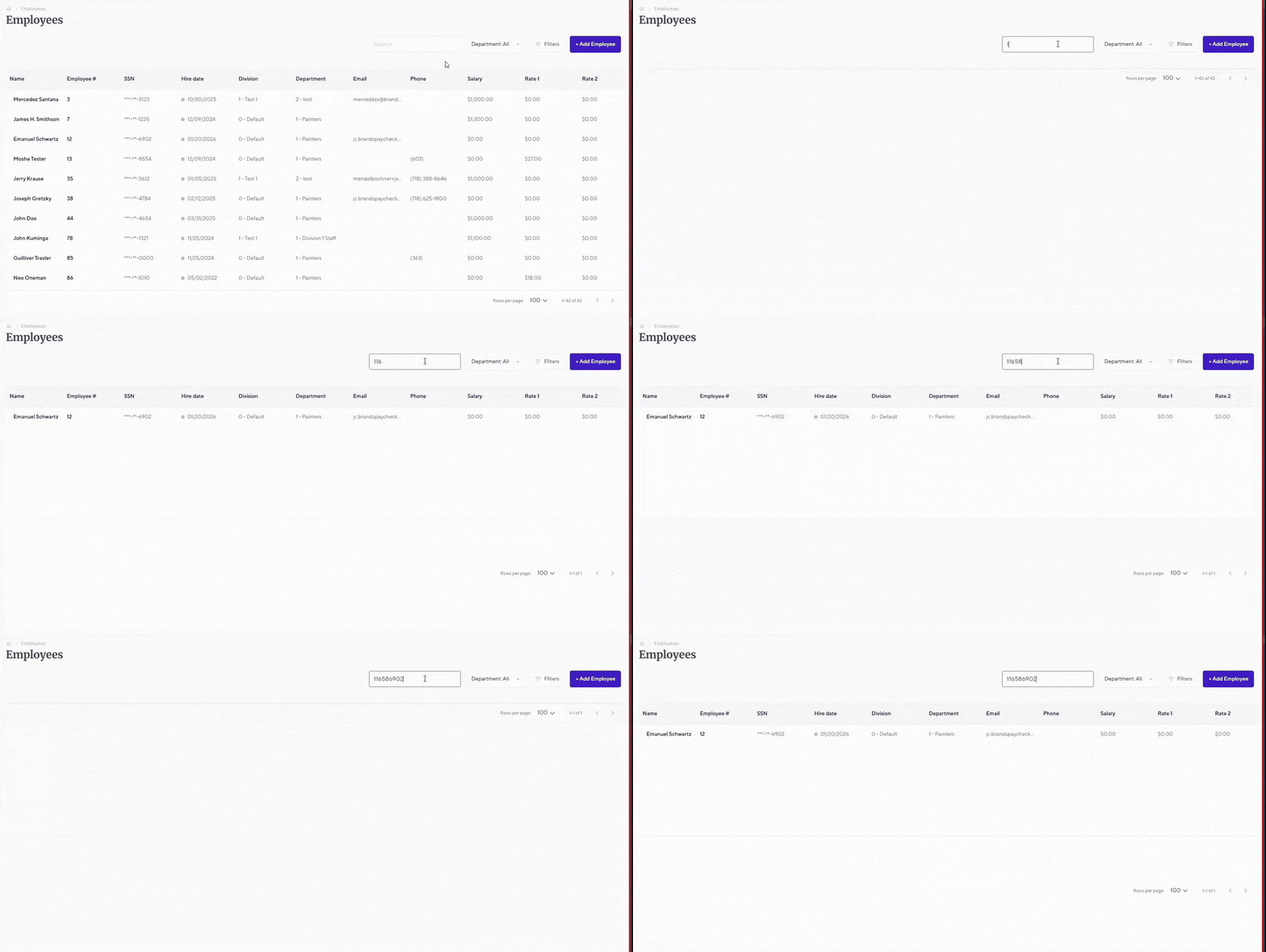
Finding the right employee record is now quicker than ever. Users can search by Social Security Number, making it easier to locate employee information when time matters most.
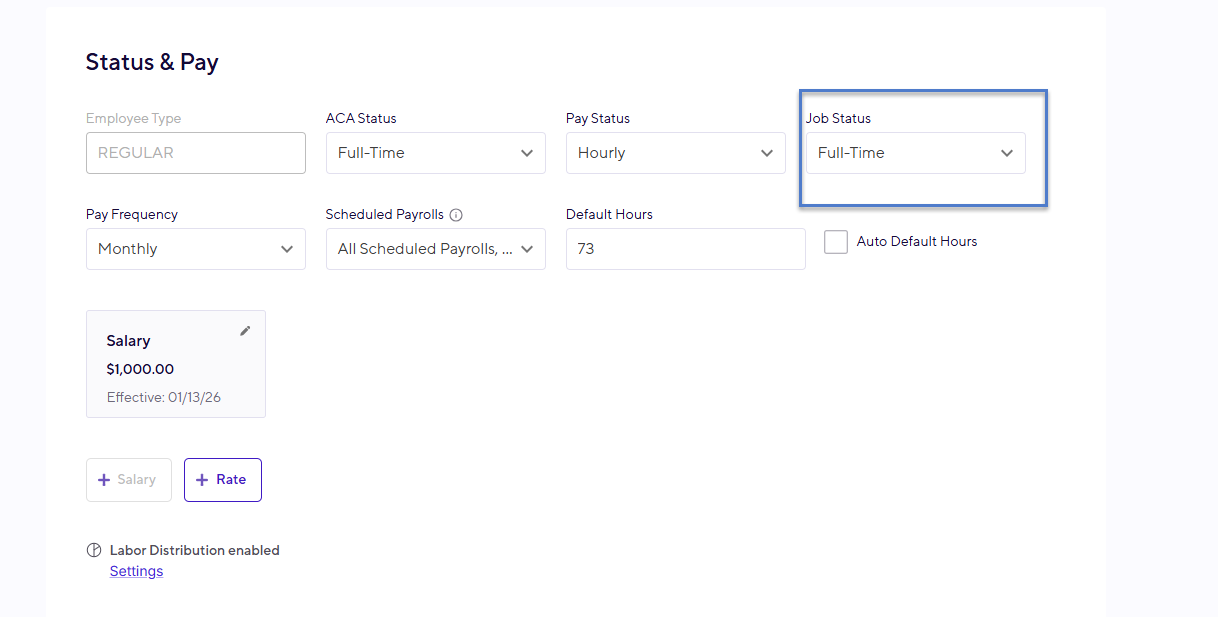
PayDeck now gives you more control over employee records by allowing job statuses to be managed directly within the platform. Keeping workforce information current is now faster and more convenient.
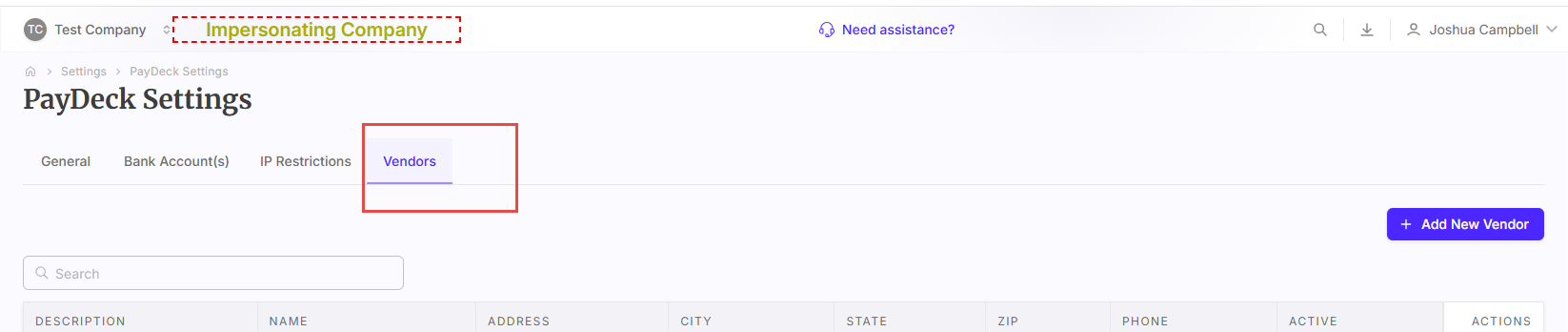
Managing vendors just got easier. You can now add and update vendor information directly within PayDeck, helping keep important records organized and accessible in one place.
PowerGrid exports are now more flexible. Choose whether or not job descriptions are included when exporting data, giving you greater control over how information is shared and analyzed.

Your favorite live report views can now be saved, making it easier to return to the information you need without rebuilding reports each time. Spend less time configuring reports and more time acting on the data.

Key Features:
- Digital collection + e-signatures for W-4, I-9, state forms, and custom documents
- Guided, error-reducing workflow for both employers and employees
- Real-time validation to prevent missing or incorrect data
- Automatic sync into PayDeck for cleaner payroll setup
- Now available in beta through the PayDeck portal.
.svg)
FICA Exemption Just Got Easier in PayDeck
You can now mark employees as FICA exempt directly in PayDeck.This update makes handling special employment statuses easier by allowing exemptions to be managed at the employee level without manual intervention from support.
.png)
Flexible Deduction Control
Choose to apply scheduled deductions on any check, regardless of division. This added flexibility helps companies manage more complex pay structures and ensures deductions occur even when employees work across different departments or locations.
.png)
Enhanced WC Classification
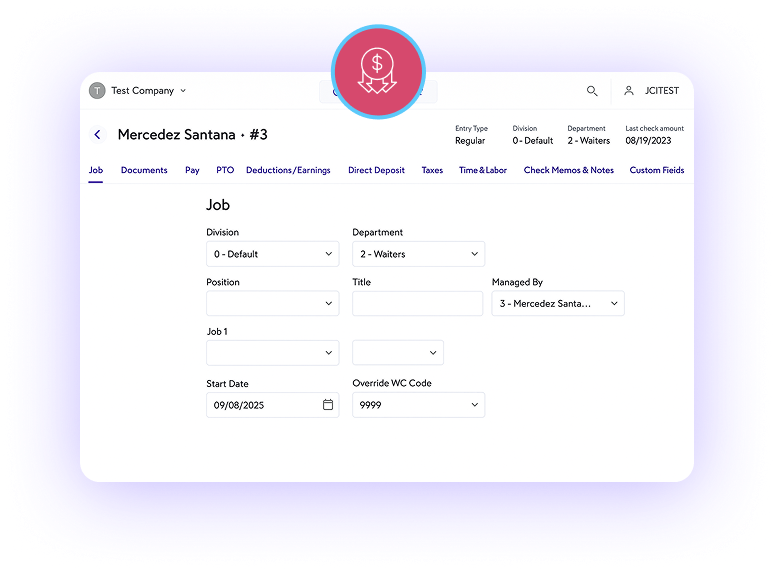
Assign WC codes to individual employees for greater accuracy.Previously limited to department-level setup, WC codes can now be customized per employee—leading to cleaner reporting, smoother audits, and more precise classification.
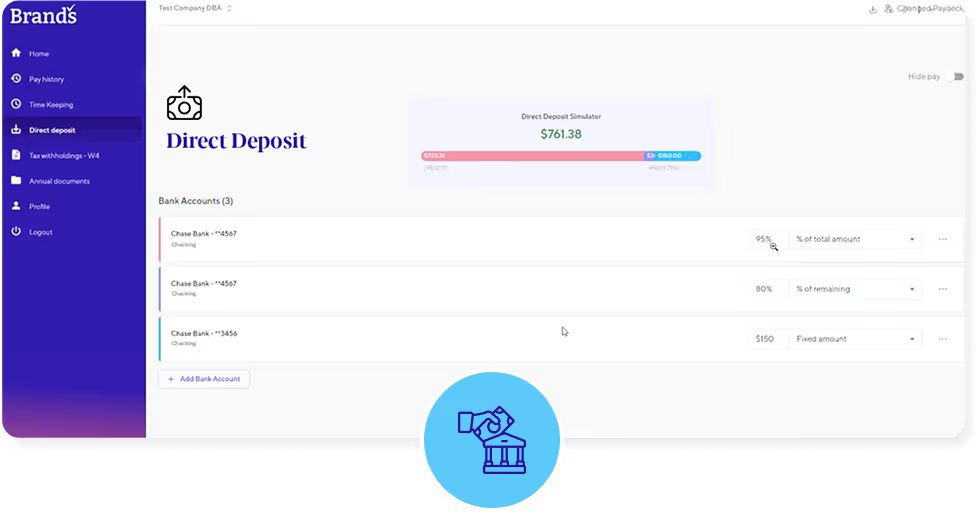
Employees can now clearly view how their paycheck will be split among their direct deposit accounts. The new layout also provides a cleaner, more user-friendly experience, showing precise amounts based on each account’s percentage allocation.
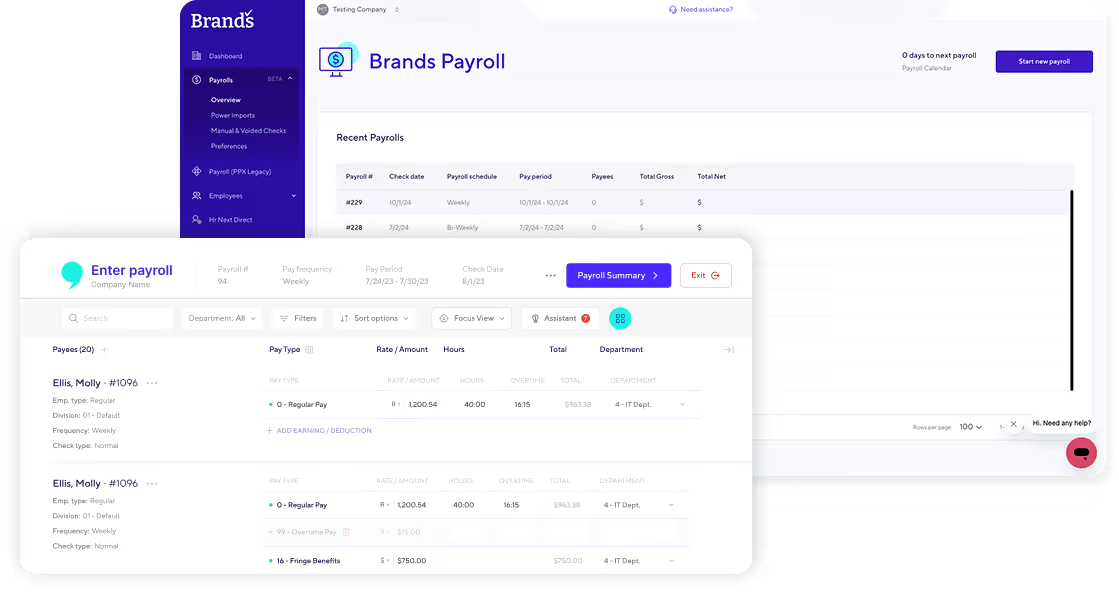
Selecting employees for payroll is now easier with Payroll Lists, which enables clients to select groups of employees based on pay frequency, department, or pay type, rather than choosing them individually.
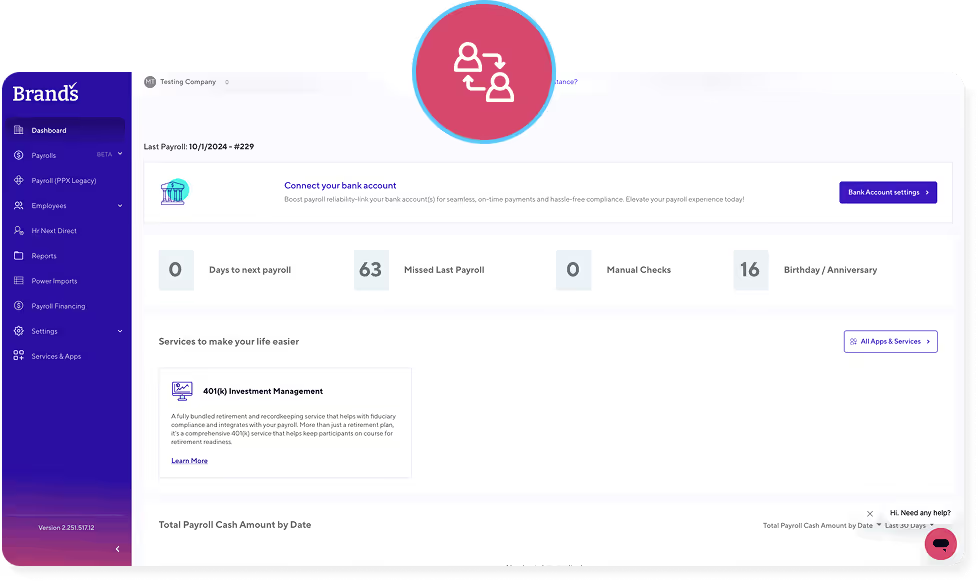
Effortlessly switch between employer and employee accounts.
With one click, users can now seamlessly navigate between profiles, saving time and boosting efficiency.
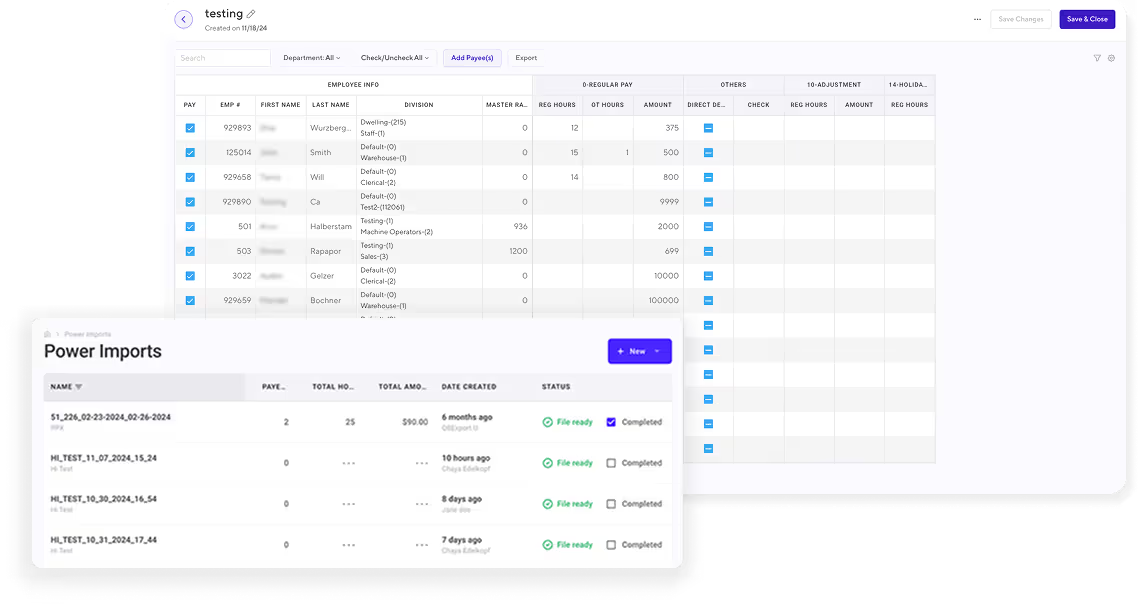
By popular request, we’ve introduced a beta version of our PowerGrid feature! This tool makes it easier to manage multiple employees by allowing users to add employees by name, filter by department, select/deselect all employees, add payees, and highlight changes in color. The grid can also be exported as an Excel file for easier data access.
New Releases
.png)
Let’s talk
Connect with us to explore our adaptable plans that offer clear pricing and exceptional support from our payroll specialists.

.svg)
.svg)
Request Received
Thank you for reaching out to Brand's Payroll. We have received your message and will get back to you as soon as possible.

Ave #101 Brooklyn, NY 11205-1080

.svg)
.svg)
- Hospitality
- School/Education
- Property Management
- More coming soon
.svg)
.svg)


